Repositories & assignments
How to create and manage repositories and assignments
What is a repository?
Section titled “What is a repository?”A repository is a unit of work. Think a lab, a project, or a weekly problem set. Every repository is backed by a Github repo. When you publish a repository, Classmoji creates a copy of a template repo for each student (or team), with all the assignments already loaded as issues.
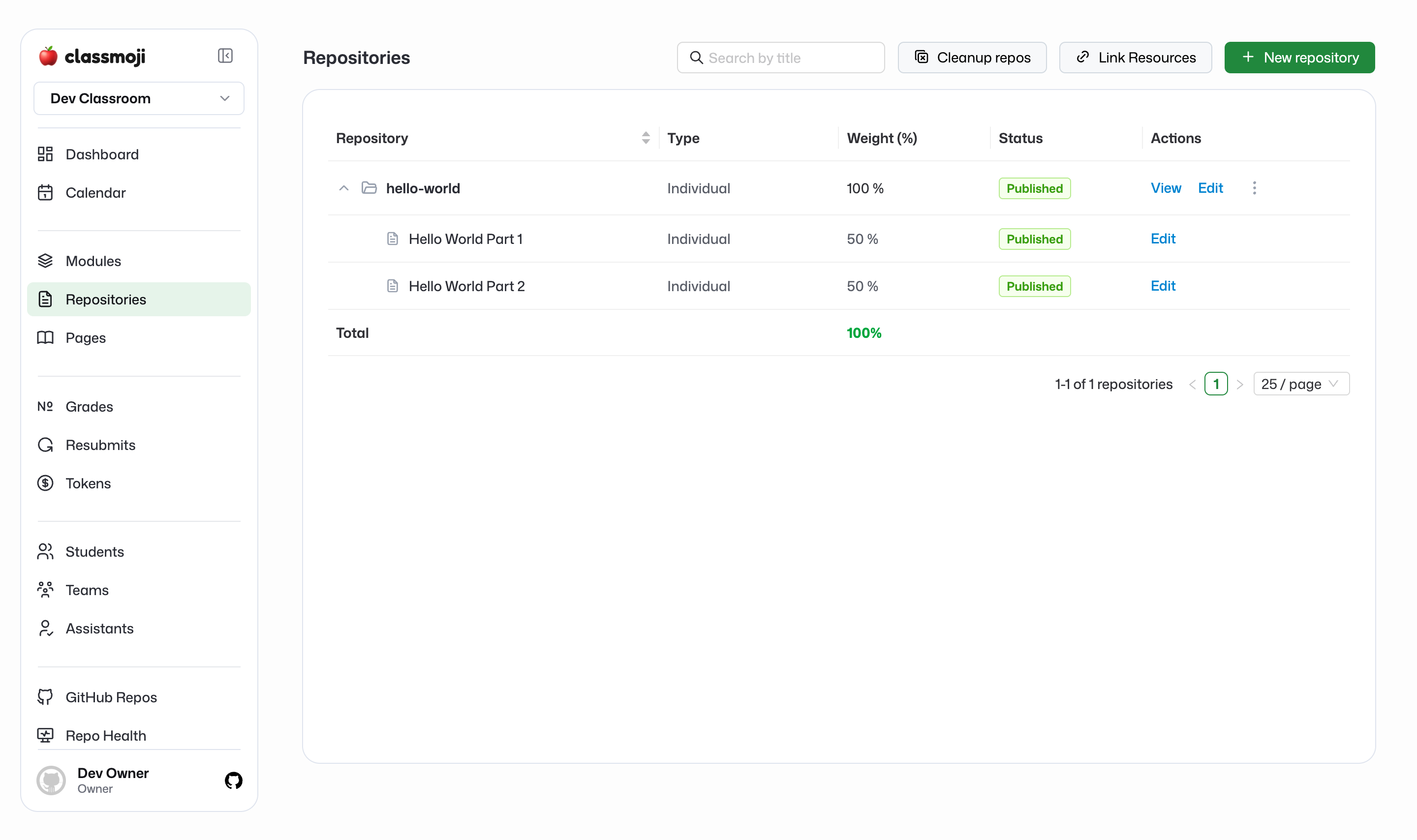
Creating a repository
Section titled “Creating a repository”Go to Repositories and click New repository.
Basic info:
- Title: becomes the repo name slug (e.g. “Data Structures” →
data-structures-username) - Description: learning objectives or overview, shown to students
- Type: Individual (one repo per student) or Group (one repo per team)
- Weight: what percentage of the final grade this repository counts for
- Extra credit: marks the whole repository as extra credit
- Drop lowest: automatically drops the N lowest-scoring assignments from the grade
Github template:
- Template repo: a Github repo path (e.g.
myorg/data-structures-template) that becomes the starting point for every student’s repo. Starter code and issue templates are copied from it.
Assignments are added inline while creating the repository (see below).
Group repositories:
If type is Group, you’ll also configure:
- Team formation: Instructor-assigned (you assign teams) or Student-formed (students self-organize before a deadline)
- Max team size: cap on students per team
- Team formation deadline: for student-formed teams, when they need to finalize
Publishing a repository
Section titled “Publishing a repository”Repositories start as drafts. Nothing is visible to students until you publish.
When you publish:
- Classmoji creates a copy of the template repo for every student (or team) in your roster
- Each repo gets the assignments loaded as Github issues
- Assignments with a future release date are not created yet; they appear automatically when their date hits
Syncing a repository
Section titled “Syncing a repository”After publishing, hit Sync if something is missing. A student joined late and doesn’t have a repo, or a release date just passed and the issue didn’t show up. Sync checks for gaps and fills them in. That’s all it does.
Assignments
Section titled “Assignments”Each assignment becomes a Github issue in the student’s repo. Assignments are added while creating or editing a repository.
Per assignment:
- Title: the issue title
- Weight: percentage of this repository’s grade
- Description: instructions shown in the issue body, supports rich text
- Release date: when the issue gets created in student repos. Leave blank to release immediately on publish. Issues are released daily at 12:01 AM, so set the date to the day before if you want something available first thing in the morning. Want to drip-release weekly? Set it up once and forget it.
- Student deadline: the due date, used to calculate late penalties
- Grader deadline: when graders should finish. Internal only, doesn’t affect students.
How students submit:
Students work directly in their repo and push their changes. When they’re done, they close the issue, which marks the assignment as submitted in Classmoji. Closing the issue is the submit button — make sure your students know this.