Repositories
How repositories store student work and how to publish and sync them
What is a repository?
Section titled “What is a repository?”A repository is storage. It points at a Github template repo, and when you publish it Classmoji copies that template into one Github repo per student (or per team). That’s all it does: it has no weight, no deadline, and holds no grades.
The graded work is an assignment. An assignment submits through a repository, and several assignments can share the same one, a semester-long project repo with a milestone assignment each week, for example.
Creating a repository
Section titled “Creating a repository”Go to Repositories and click New repository.
- Title: becomes the repo name slug (e.g. “Data Structures” →
data-structures-username) - Description: shown to students
- Type: Individual (one repo per student) or Group (one repo per team)
- Template repo: a Github repo path (e.g.
myorg/data-structures-template) that becomes the starting point for every student’s repo. Starter code is copied from it. - Autograding tests: optional tests that run on every push. See Autograding.
For a Group repository you also set:
- Team formation: Instructor Assigned (you build the teams) or Student Self-Formed (students organize themselves before a deadline)
- Max team size
- Formation deadline: for self-formed teams, when they need to be final
You can also get here from a module card: Add item → Assignment → Repository opens the assignment form, where the target picker has a New repository link to this form.
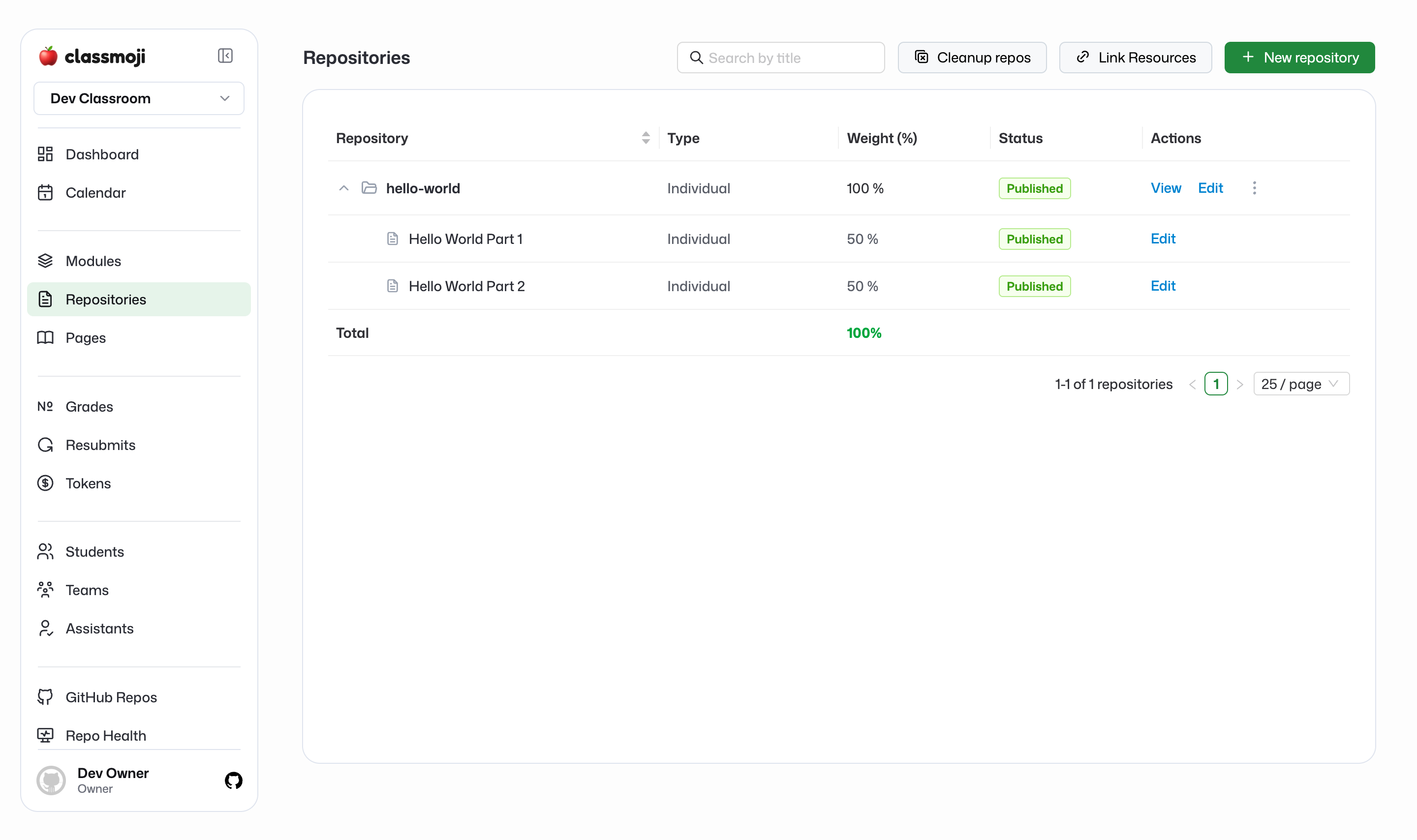
The Repositories page
Section titled “The Repositories page”The list shows each repository with its Type and Status (Draft or Published). Each row starts expanded, listing its issue-mode assignments underneath (title, an issue tag, status, View, Edit). Push-mode assignments aren’t listed as rows; open them from their module or with View on the repository row.
Row actions:
- View: opens the assignment page. When several push-mode assignments share the repo, it’s a menu.
- Edit: the repository form
- Publish (draft) or Sync (published)
- ⋮: Autograde, Update student repositories, Calculate contributions (group repos), Unpublish, Delete
There is no separate repository detail page. Everything about a student’s work is on the assignment page.
Publishing a repository
Section titled “Publishing a repository”Repositories start as drafts. Nothing exists on Github until you publish.
When you publish, Classmoji creates a copy of the template repo for every student (or team) in your roster and pushes the autograding workflow if the repository has tests. Assignments that submit through the repository become visible on their release date; in issue mode, that’s also when their Github issue is opened.
Syncing a repository
Section titled “Syncing a repository”After publishing, hit Sync if something is missing. A student joined late and doesn’t have a repo, or a release date passed and an issue didn’t show up. Sync checks for gaps and fills them in. That’s all it does.
Update student repositories (in the ⋮ menu) is different: it opens a pull request in each student repo carrying the changes you made to the template since it was copied.
Individual vs group
Section titled “Individual vs group”An Individual repository gives every student their own repo. A Group repository gives each team one shared repo; any member can push, and in issue mode any member can close the issue for the team. Teams are managed on the Teams page, and Calculate contributions on a group repo breaks down who committed what.