View grades
How to find your grades and understand emoji feedback
Where to find your grades
Section titled “Where to find your grades”Released grades show up in two places:
- Assignments > Completed: each submitted assignment shows its grade
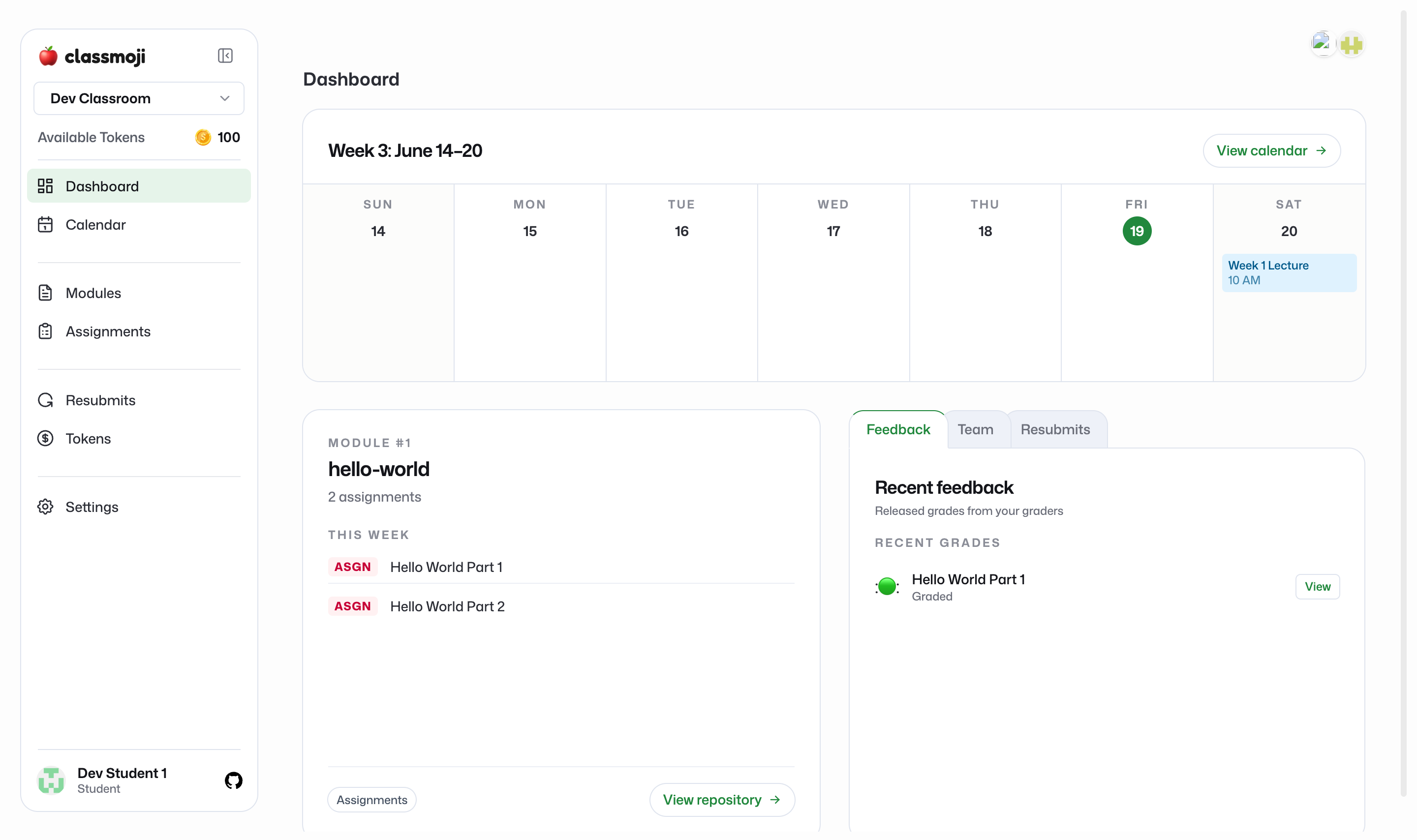
- Dashboard: the Recent feedback card lists your most recently graded work
Emoji grades
Section titled “Emoji grades”Classmoji grades with emoji instead of numbers. Each emoji your grader gives carries a value they set up, and the mix of emoji on an assignment is your grade. As a student you see the emoji, not a raw number, so feedback reads as expressive rather than punitive.
A rough guide to the common set:
- 🔥 / 🚀: above and beyond, mastery, standout work
- 👍: solid work that meets expectations
- 👀: not yet there
- 👎 / 😭: needs significant rework
Your instructor can customize which emoji they use and what each one means, so check your course’s grading guide if it differs.
Released vs pending
Section titled “Released vs pending”Grades stay hidden until your instructor releases them, and releasing happens per assignment. A submitted assignment that hasn’t been released yet shows as Pending. Once it’s released, the emoji appear, along with who graded it. An assignment can be graded internally well before you see it.
Feedback
Section titled “Feedback”The real feedback lives in the Github issue and pull request for your work, where graders leave specific comments. The emoji is the quick signal. The comments are where you learn what to improve.