Submit assignments
How to find your repo and submit your work
Finding your work
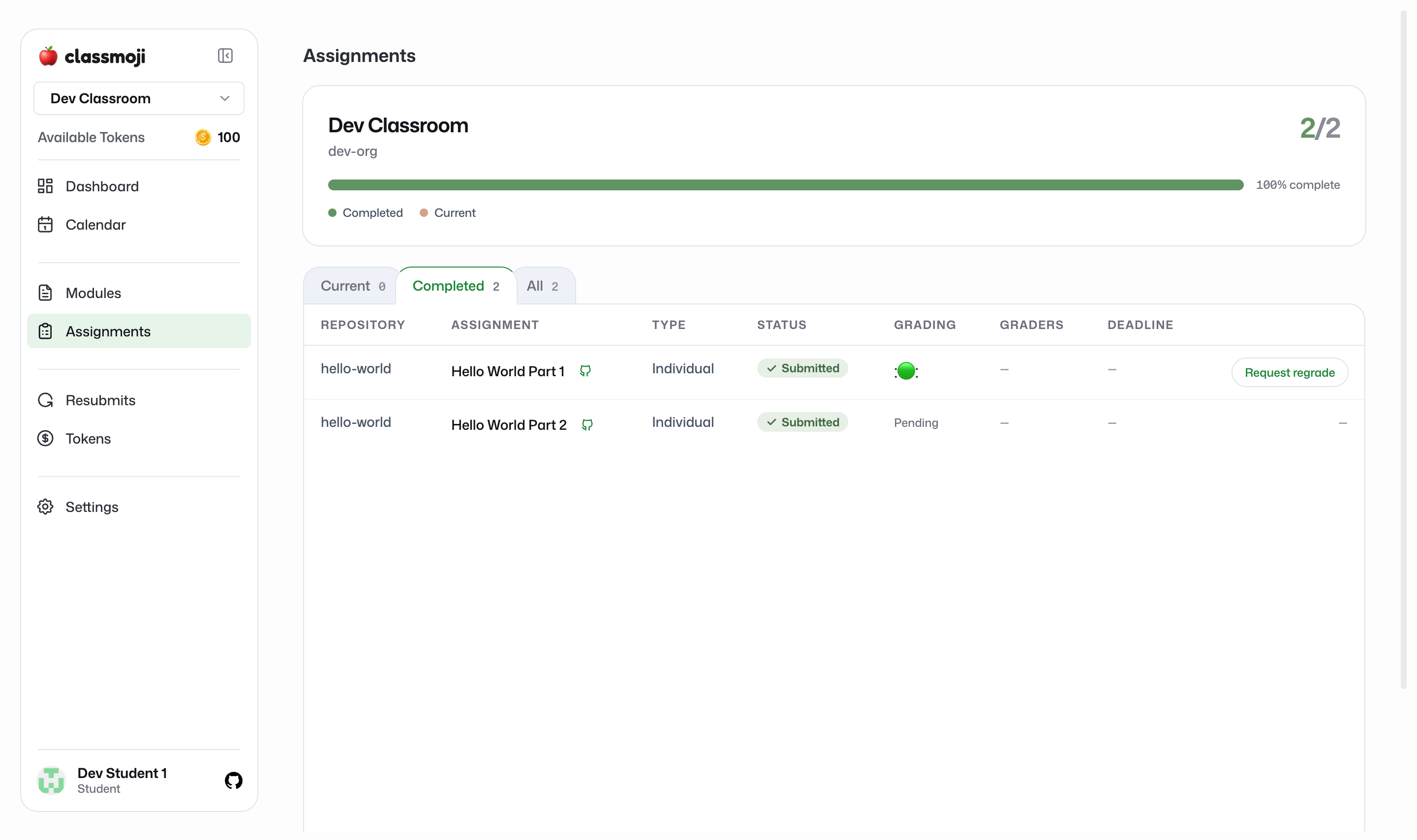
Section titled “Finding your work”Each assignment is a Github issue inside a repository that Classmoji set up for you. Open Assignments in your classroom to see them, split into tabs:
- Current: assignments that are still open
- Completed: assignments you’ve submitted
- All: everything
For an individual assignment, click View Github issue to jump straight to the issue in your repo.
Doing the work
Section titled “Doing the work”Work directly in your repository. Clone it, make your changes, commit, and push, the same Github workflow you’d use anywhere. The issue describes what to do and is where your submission gets marked.
Submitting
Section titled “Submitting”When you’re done, close the Github issue. That’s the submit button. Closing the issue marks the assignment as submitted in Classmoji, and your status flips from Not submitted to Submitted.
If you need to keep working, reopen the issue, push more changes, and close it again when you’re ready.
Group assignments
Section titled “Group assignments”For group work, your team shares one repository. Anyone on the team can push and close the issue to submit on behalf of the team.