Use tokens
How to spend tokens to extend a deadline
What tokens are
Section titled “What tokens are”Tokens are how you buy extra time on a late assignment, no email or awkward ask required. Your instructor gives you a balance of tokens, and you spend them to extend a deadline by however many hours you need.
Spending tokens
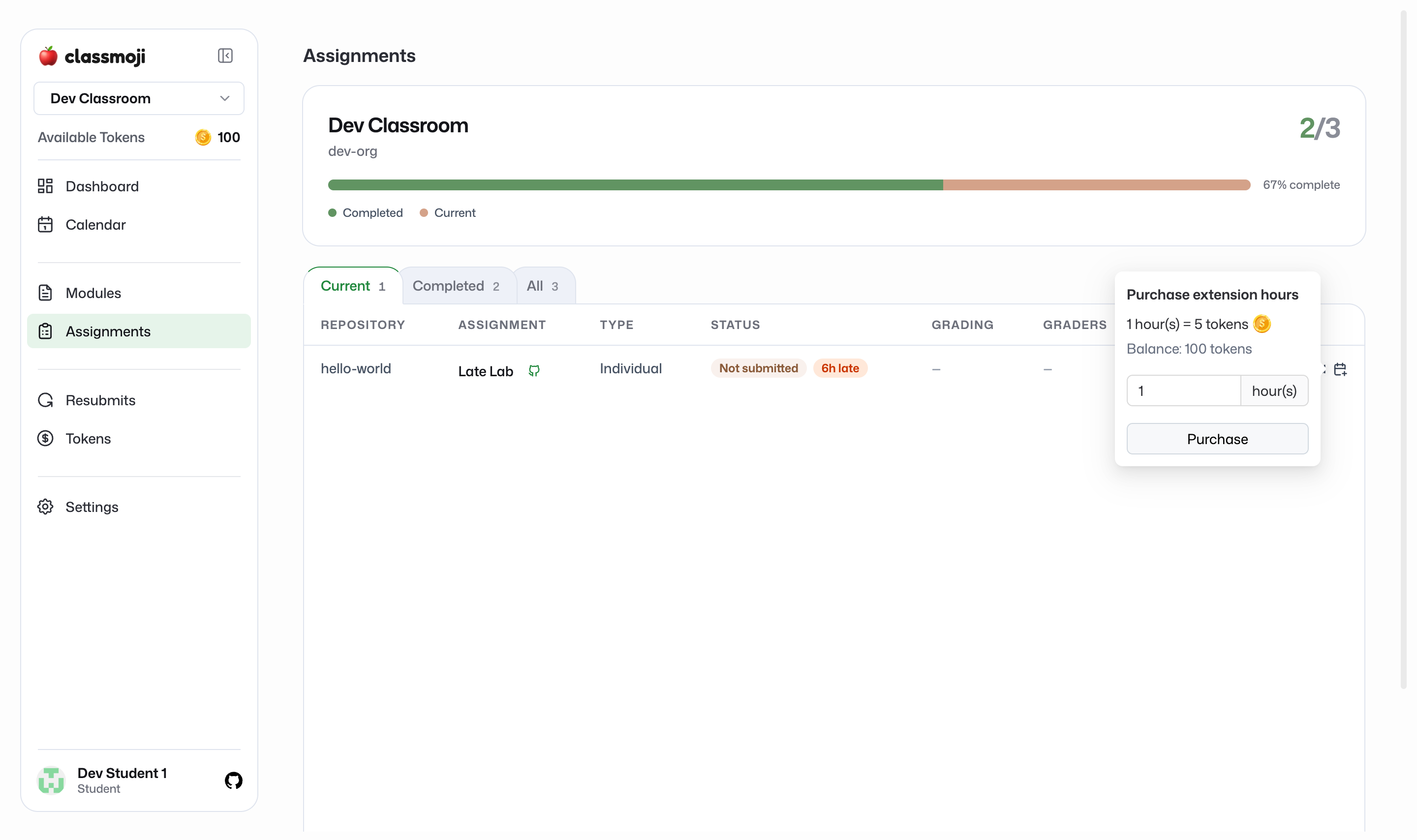
Section titled “Spending tokens”When an assignment is past its deadline and you haven’t submitted, it shows a Late tag on your Assignments page with an Extend control in the actions column. Open it and:
- Pick how many hours you want, up to the hours you’re currently late
- Check the cost. It’s the tokens-per-hour rate for that assignment times the hours you chose
- Confirm
The tokens come out of your balance and those late hours are bought back, so they no longer count against you. If you don’t have enough tokens for the hours you picked, the purchase is blocked and you’ll see how many you’re short.
Checking your balance and history
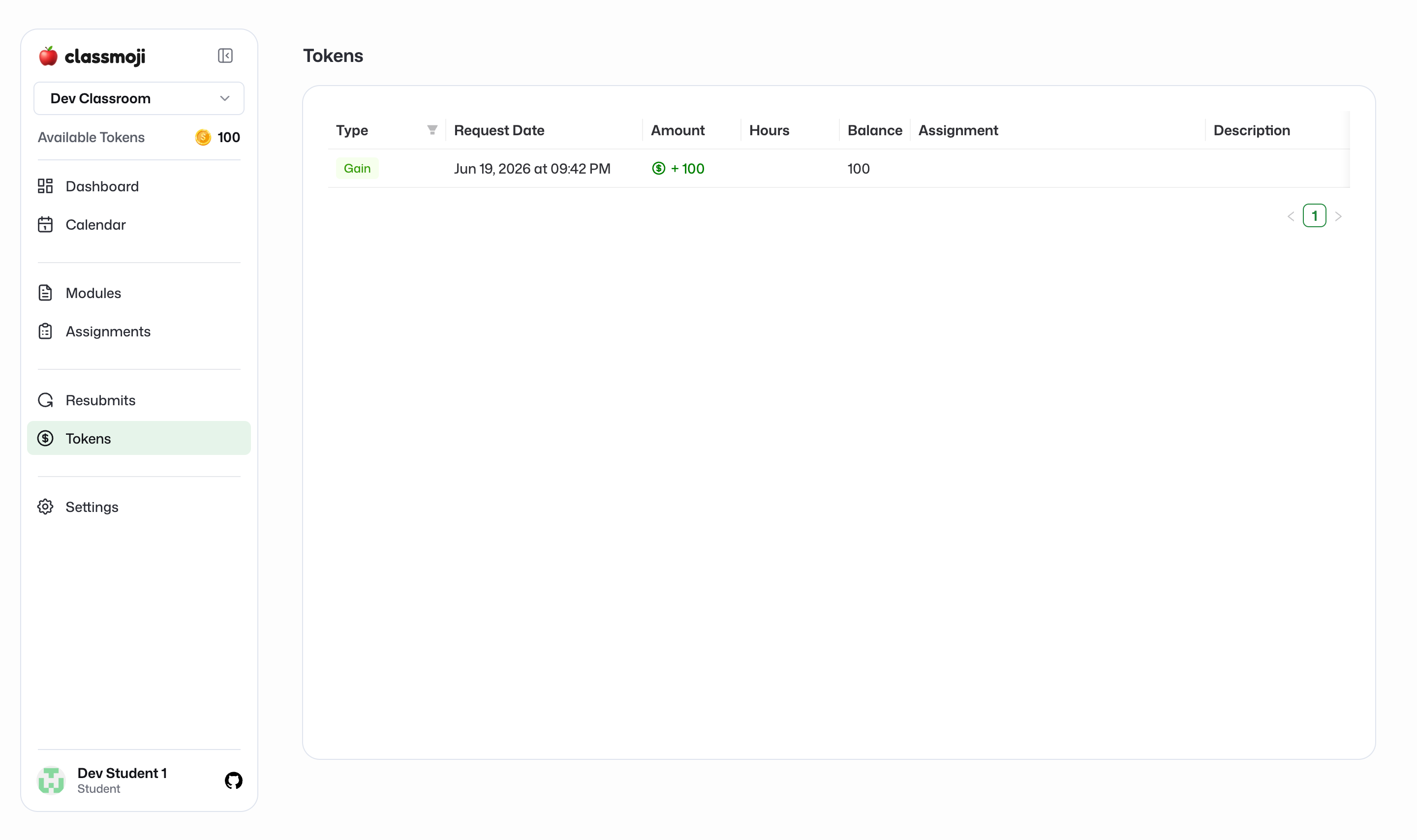
Section titled “Checking your balance and history”Open the Tokens page in your classroom to see your current balance and a full log of your transactions: tokens you were given and tokens you’ve spent, with dates. Nothing is hidden, so you can always see where your tokens went.